

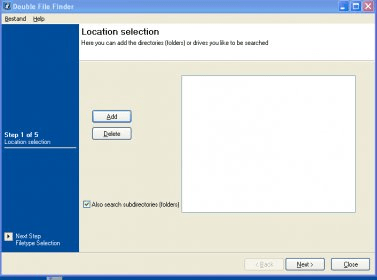
Double File Finder will make sure that your files are not duplicated. When you download a lot, you often forget what you downloaded. Thus, you end up with many duplicate files that will not only make your computer slow, but also take some hard drive space that you might need. Double File Finder makes certain that you don't have any duplicate files by showing you exactly where those files are. Instead of simply looking for files with the same name, Double File Finder will find files that have the same CRC. The CRC is like the fingerprint of a file. I think no two files can have the same CRC. Thus, if two files have the same CRC, they are duplicates, and one of them has to go. To start a search, simply give the application a directory and hit start. After a few minutes (depending on your system's specifications and the number of files), the application will return some matches. If you do have some duplicate files, you can simply tell the application to delete the duplicates. So, you can get rid of those nasty, space-talking files with this application in a couple of simple steps. It is also free! The latest version of this application is 2.0. However, they still support version 1.0, which this review deals with.






Comments